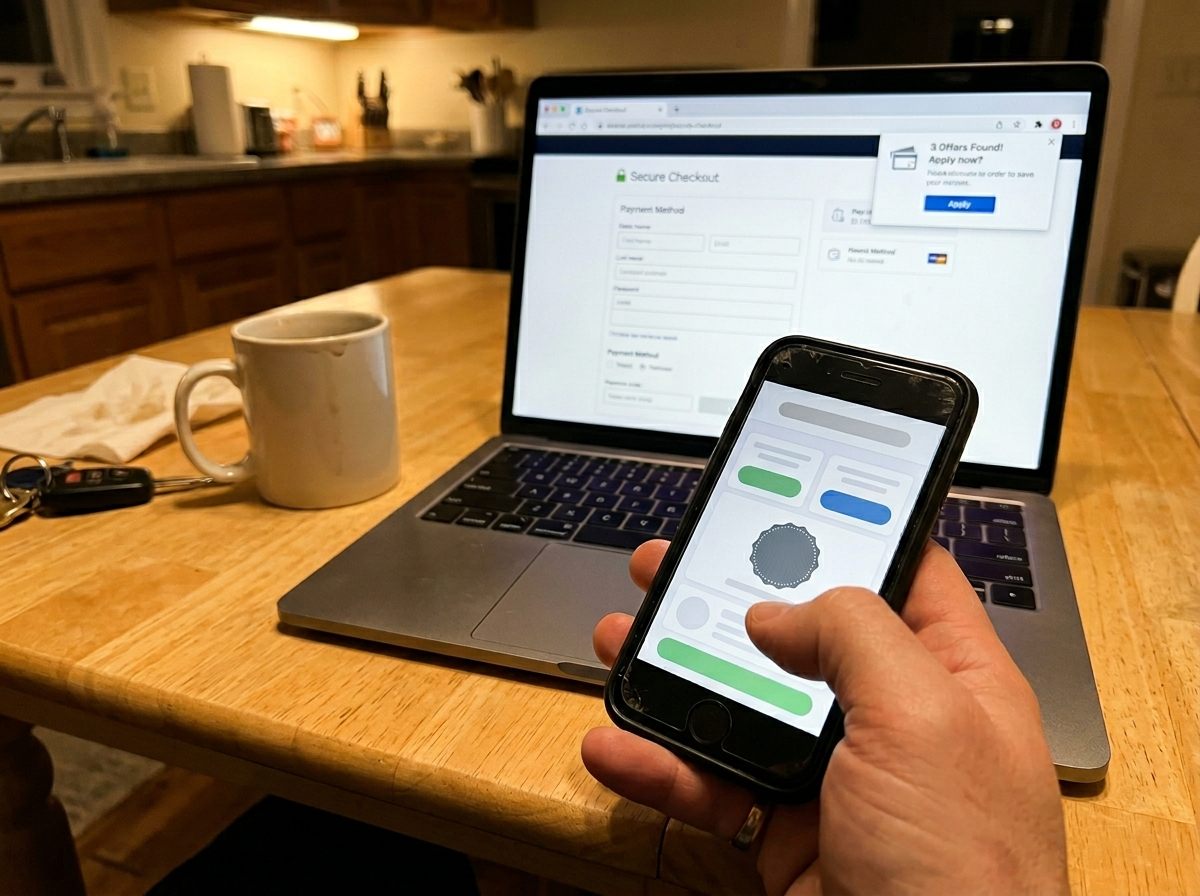
Every coupon app and browser extension makes roughly the same promise: install us, shop like you normally do, and watch the savings roll in for free. And there's truth in it. Some of these tools really will knock money off your cart, surface a working code you didn't know existed, or hand you a few dollars back after checkout. We use a couple of them ourselves. But "free money" is a sloppy way to think about the category, because these tools are not all doing the same job. Lump them together and you'll end up trusting the wrong one — or, worse, letting a tool quietly take credit for a discount you would have gotten on your own.
So here's the honest version. Coupon tools fall into four distinct types, and they do very different things. One type genuinely finds you codes. One type can tell you whether a "sale" is actually a sale. One type hands you a small slice of an affiliate commission. And one type — the one that pops a confetti animation when you check out — mostly just claims the win for savings that were already yours. Knowing which is which is the whole game.
The four types of coupon tools
Before you decide which of these deserves a spot in your browser or on your phone, it helps to understand what each one is actually built to do — and, just as important, how it makes money. Almost all of them are "free" because they earn affiliate commissions on your purchases. That's not sinister; it's just the business model, and once you see it, the pros and cons of each type get a lot more obvious.
1. Cashback portals
Cashback portals — Rakuten, Capital One Shopping's offers, and the cashback features baked into various bank and card apps are well-known examples — work on a simple piece of plumbing. When you click through the portal to a store and buy something, the store pays the portal an affiliate commission for sending you. The portal keeps part of that commission and rebates the rest to you as "cashback." That's where the money comes from. It isn't a discount the store is offering everyone; it's a cut of the referral fee handed back to you.
The upside is real: on categories with generous commissions — apparel, travel bookings, some department stores — rebates of a few percent up to occasionally double digits are genuinely worth claiming on a purchase you were already making. The catch is activation. Cashback only tracks if you start your shopping trip from the portal (or trigger its extension) so the affiliate cookie gets set. Buy first, remember the portal later, and you usually get nothing. Rates also swing constantly and rebates can take weeks or months to "confirm" after the return window closes. Treat cashback as a nice bonus on a price that's already good, never as the reason a price is good.
2. Coupon-finder extensions
This is the type most people mean when they say "coupon extension" — Honey is the famous one, and there are several similar tools. At checkout, the extension auto-tests a stack of public promo codes against your cart and applies whichever one sticks. When it works, it's genuinely handy: it saves you the tedium of opening five tabs and pasting codes one by one to find that four are expired. For a quick reality check on whether the "deal" it lands is actually special, see our guide on how to spot a fake discount.
Two honest caveats. First, these tools can only test codes that are already publicly floating around; they don't conjure secret discounts, so on stores that rarely issue codes, the extension will mostly come up empty. Second — and this is the one people miss — attribution. A coupon extension typically sets its own affiliate cookie at checkout. If you'd clicked through a cashback portal earlier in that same session, the extension can become the "last click" and effectively override the portal's cookie, meaning your cashback quietly evaporates even though both tools were trying to help you. The fix isn't to ban the extension; it's to sequence your tools deliberately, which we'll get to below.
3. Price-history trackers
If we had to keep only one type, it would be this one. Price-history trackers — camelcamelcamel and Keepa are the standbys for Amazon, with similar trackers existing for other retailers — don't hand you a code or a rebate. They show you a chart of what an item has actually cost over the past months and years. That sounds modest until you realize it answers the only question that really matters: is this price actually good, or does it just have a strikethrough next to it?
A coupon tells you a price is lower than some number the store chose to show you. A price history tells you whether it's lower than what the thing normally costs. Only one of those is a real answer.
With a history chart, you can see that a "40% off" mattress topper was sitting at today's exact price six weeks ago, or that a gadget routinely dips $30 lower during seasonal events, so waiting nine days is smarter than buying now. The catch is that these are pure information tools — they don't save you a cent at the moment of purchase, they just stop you from overpaying or chasing a fake markdown. That's also why they pair so well with everything else: they tell you whether to buy, and the other tools help you shave a little more once you've decided. If most of your shopping happens on one big retailer, our piece on saving money on Amazon leans on exactly this habit.
4. Deal-aggregator apps and store loyalty apps
The last bucket is a mixed one. Deal-aggregator sites and apps — RetailMeNot is a long-running example, alongside countless deal forums and "today's best deals" feeds — collect promo codes, sales, and reader-submitted bargains in one place. They're useful as a starting point when you don't already have a code in hand, and the community-driven ones can surface genuinely good, time-sensitive drops. The honest catch is signal-to-noise: many listed codes are expired, regional, or never worked, and "deals" feeds are designed to make you buy things you weren't shopping for in the first place. Browse them with a list, not an open wallet.
Store loyalty apps are the close cousin. The grocery, pharmacy, and big-box apps with digital coupons and member prices are often where the only real discounts live — many chains now reserve their best pricing for app users and clip-to-card offers. The trade is straightforward: you hand over a detailed record of your purchases in exchange for the savings. For a store you shop weekly, that's usually a fair deal. For one you visit twice a year, installing yet another data-hungry app for a one-time coupon rarely pays off.
How to stack them without canceling each other out
Here's the part that turns four scattered tools into an actual routine. The goal is to let each one do its job without stepping on the others — especially without a coupon extension stealing the cashback you were owed. Run them in this order:
First, check the price history. Before anything else, confirm the price is genuinely low for this item, not just dressed up with a fake "was" number. If the tracker says today is a real low, proceed. If not, add it to a watch list and walk away — no coupon makes a bad price good.
Second, find and apply the best public code. Check a deal aggregator or let a coupon-finder extension test codes, and lock in whatever legitimately reduces your cart. Do this before the cashback step so the code is already applied and out of the way.
Third, activate cashback last. Right before you complete the purchase, start your final click-through from the cashback portal (or trigger its activation) so its affiliate cookie is the last one set. That's what gets the rebate attributed to you. Activate cashback too early and a coupon extension firing at checkout can overwrite it.
The single biggest mistake we see is treating these tools as "more is better." Two extensions doing similar jobs don't double your savings — they fight over attribution, and you often end up worse off than with one well-sequenced tool. Slow down for the thirty seconds it takes to do it in order, and the same purchase that would've earned nothing earns a real code plus a real rebate.
The privacy cost of "free"
One last thing worth saying plainly, because the marketing never does. These tools are not charities, and most of them don't charge you a dime, which means they're monetizing somewhere else. The obvious channel is the affiliate commissions described above — fine and fair. The less obvious one is your data. To do their job, coupon extensions and shopping apps typically need permission to see the pages you visit and read what's on them; that's literally how they detect your cart and test codes. When you install one, glance at the permissions it requests, and assume that "reads your browsing on the sites you shop" is part of the bargain.
That doesn't make them villains — plenty are perfectly reasonable about what they collect — but it does mean you should be selective. Install the one or two tools that earn their place, from companies you're comfortable with, rather than every shiny extension that promises savings. A tool watching your entire shopping life to hand you back forty cents is not a good trade. One that reliably finds real codes or real rebates on purchases you were making anyway is.
The bottom line: coupon tools can absolutely save you money, but only if you know what each type is for. Use a price-history tracker to decide whether to buy at all, a coupon-finder or aggregator to grab a legitimate public code, and a cashback portal — activated last — to claim a slice of the commission. Skip the impulse to stack five overlapping extensions, mind the permissions you grant, and remember that the confetti animation is celebrating the store's business model at least as much as your savings. Buy the thing you were going to buy anyway, a little cheaper, and let the tools earn their keep.